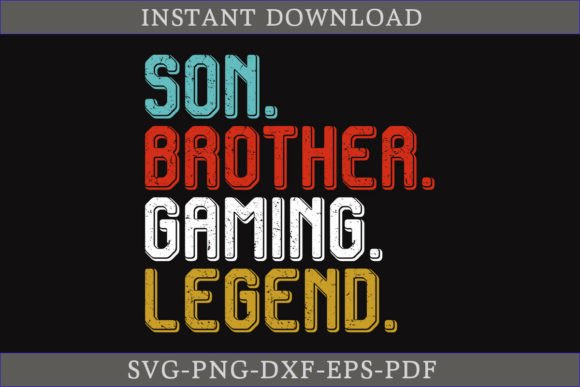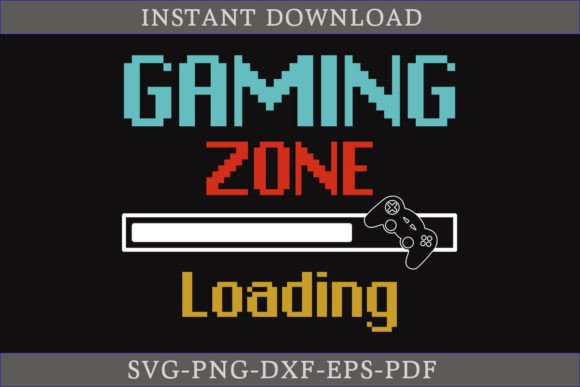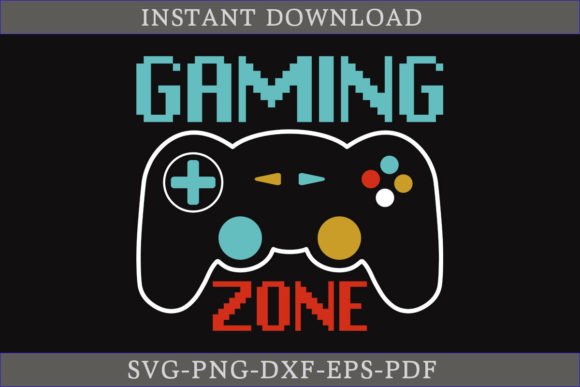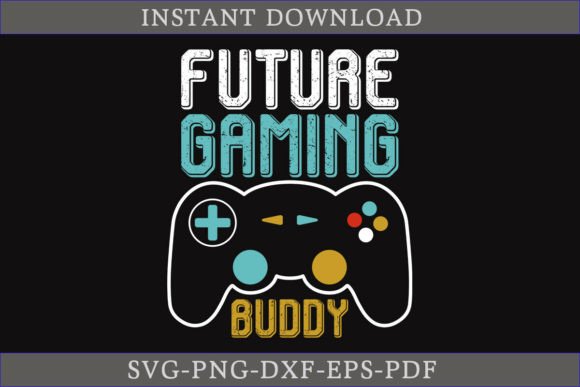
Straight Outta Gaming Shirt SVG File for DIY Creators
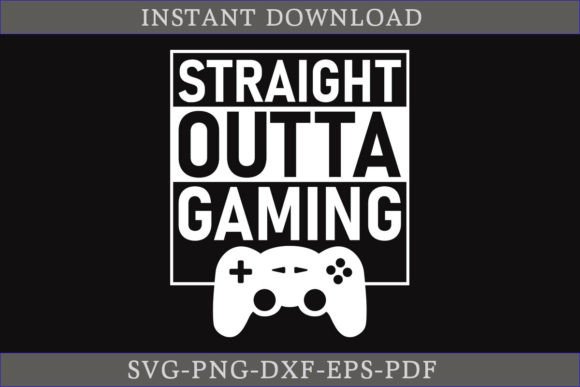
Some designs arrive at exactly the right moment, when a gamer’s personality needs to leap from screen to fabric. The Straight Outta Gaming Shirt SVG File gives you exactly that—a bold, clean statement graphic ready for t-shirts, hoodies, mugs, stickers, and beyond. The download also includes a playful This is my New Gamer SVG Design variation, so you can choose the phrase that fits your mood or your customer’s request. Everything comes packed in a single ZIP archive with SVG, DXF, EPS, PNG, and PDF formats. You don’t need to be a professional designer to get professional results, but professionals appreciate the 100% vector resizability and the editable layers this collection offers.
Whether you’re a parent crafting a birthday shirt, a streamer building merchandise, or a teacher designing incentives for an after-school club, the value of a good cut file changes depending on what you’re trying to accomplish. If you’ve ever watched a design print perfectly the first time and felt that little spark of confidence, you already know why file quality matters. This article walks through what makes these gaming SVG files practical, who benefits the most, and how to decide if they align with your next project—without any hype or recycled sales speak.
What This Gaming SVG Bundle Actually Includes
You receive one ZIP file. After unpacking, you get five format variations of the same core artwork. The SVG works flawlessly with Cricut Design Space, Silhouette Studio (Designer Edition and above), and other cutting software that reads scalable vector graphics. The DXF format supports users of older Silhouette versions or programs that prefer CAD-compatible outlines. EPS files give you full editability in Adobe Illustrator, CorelDRAW, or Affinity Designer. The PNG offers a transparent background at a high resolution, perfect for sublimation printers, direct-to-garment work, or quick mockups. A PDF is included for those who simply want to print and trace manually or review the layout without design software.
Because every shape is vector-based, you can scale the graphic from a tiny sticker to a full front t-shirt panel without losing crispness. Colors are easy to change—no manual tracing required—which becomes essential when you need to match a specific team palette, branding guideline, or just a favorite streamer’s neon scheme. The text reads clearly, and the overall layout balances readability with a retro-meets-modern gaming vibe.
Why Crafters and Small Business Owners Value These Files
If you run a small apparel brand or a made-to-order Etsy shop, time is money. The Straight Outta Gaming Shirt SVG File skips the hours you’d spend designing from scratch. Instead of wrestling with typography and alignment, you load the SVG, size it to a shirt template, and send it to cut. Because the graphic is fully editable, you can even break apart elements, modify the phrase, or combine it with other assets to create a completely new product listing. The commercial-friendly, clean structure helps you keep turnaround fast without sacrificing uniqueness.
Hobbyists and casual crafters may use the same file in a completely different way. A parent making a one-off gift for a child’s gaming-themed birthday isn’t thinking about scaling a business. For them, the priority is reliability: will this design weed easily? Will the letters hold fine detail when cut from heat transfer vinyl? The vector quality ensures that small details don’t turn into torn corners or frustrating weeding sessions. Many customers note that the lettering is designed with cutting in mind, not just screen-display prettiness.
How Different Makers Use the Straight Outta Gaming Design
Versatility sits at the heart of this file’s appeal. Because the graphic is not tied to a single product type, each person adapts it to their own workflow:
- Apparel makers heat press the design onto cotton tees, hoodies, tank tops, and even canvas tote bags. The “This is my New Gamer” phrase often lands on kids’ shirts or sibling matching sets.
- Sticker artists print and cut the PNG or SVG on adhesive vinyl, creating laptop decals and water bottle embellishments that resonate with gaming communities.
- Mug and poster creators import the design into sublimation software, mirror it, and press onto drinkware or framed prints for desk decor.
- Educators and club leaders use the PDF and SVG to produce certificates, event flyers, or iron-on patches for esports teams and gaming meetups.
- Streamers incorporate the graphic into branded overlays, stream screens, or custom merch for loyal viewers who want a tangible connection.
Beginners often gravitate toward the PNG first because it’s the easiest to understand; they print it on transfer paper or use it in sublimation without needing to learn vector tools. More experienced users go straight for the SVG or EPS to manipulate colors, add names, or tweak outlines. Both approaches are valid, and the bundle doesn’t force you into one method.
What Different Experience Levels Should Pay Attention To
If you’re new to digital cut files, the ZIP format might feel intimidating. Unzipping is straightforward—right-click and extract, or double-click on most modern systems—but you need to make sure you’re importing the correct file type into your software. Cricut users will choose SVG; Silhouette basic edition users may need to use DXF. The Straight Outta Gaming Shirt SVG File isn’t locked behind any subscription wall, so you can start practicing as soon as you download.
Intermediate crafters typically focus on speed. They want to know if the file opens clean, if cut lines are already optimized, and if separate color layers are easy to assign. The answer is yes: the design arrives with well-grouped elements and predictable cut paths. You won’t find stray nodes or broken curves that interrupt production. Professionals additionally check the EPS for layer structure. Because it’s fully editable, a designer can adjust kerning, swap out the word “Gaming” for something custom, or embed the graphic into a larger composition for a client’s brand package.
Seamless Color Editing and Resizing
Vector files exist to make changes painless. If you need to recolor the text to match a console brand or a specific team jersey, you can select a grouped shape and assign a new fill instantly. The 100% vector nature means you aren’t pixel-limited—enlarging the design for a poster keeps edges sharp, reducing it for a tiny die-cut sticker preserves legibility. For heat transfer vinyl users, this often means fewer wasted cuts and less money lost on botched test runs.
Priorities That Shape a Purchase Decision
Different people weigh different factors when picking a graphic file. Understanding your own priorities helps you bypass obvious mismatches. Here’s how various concerns intersect with this particular gaming design:
Ease of use: Beginners will appreciate that the ZIP contains a trouble-free SVG ready for immediate loading. No tricky compound paths or hidden elements. Cost: Compared to custom design commissions, the one-time download makes sense for budget-conscious makers. Quality: Those burned by poorly traced JPEGs will notice the clean, intentional vector pathwork. Flexibility: Being able to switch between a “Straight Outta Gaming” phrase and a “This is my New Gamer” alternative expands the number of items you can create without additional purchases. Reliability: The range of formats guarantees compatibility even if your software preference changes over time.
For someone selling shirts at a weekend market, reliability and speed are everything. They want to load, cut, press, and repeat. For an educator running a maker space, the learning value might matter more—students can open the EPS and study how the typography was constructed, then modify it. Both types of user are served by the same file, but they walk away with vastly different experiences.
When This Design Fits Your Project and When It Doesn’t
No single graphic suits every use case. The Straight Outta Gaming Shirt SVG File excels when your audience already identifies with gaming culture, retro aesthetics, or playful self-expression. It’s direct, readable, and built for physical applications. However, if you need a hyper-realistic illustrated scene or a subtle corporate logo, this isn’t the right tool. The design’s strength is its bold, typography-driven simplicity. It announces rather than whispers—and that’s exactly what many customers want from a gaming shirt.
Creators who serve a broad demographic might combine this file with something softer. For example, layer the text over a watercolor galaxy background in a sublimation print, or frame it with a controller icon on a mom-and-son matching set. The file’s straightforward layout makes it a strong base asset, not a limiting final product.
Practical Tips for Unpacking and Using Your Files
Once you download the ZIP, save it to your computer and extract all contents into a dedicated folder. Avoid opening files directly from within the zipped folder—some software misreads temporary paths. After extraction, open your cutting software and import the SVG. Immediately check the size; designs often import at default dimensions that need scaling. Measure your shirt’s printable area and adjust accordingly. If you’re using DXF, double-check that all pieces remain grouped. The PNG is ready for print-and-cut workflows or sublimation, but remember it’s a transparent raster, so you won’t manipulate individual letters unless you switch to the vector format.
If you plan to sell finished shirts, mugs, or stickers, review the license terms provided with the download. Typically, you can sell physical items made with the design, but you cannot resell or share the digital files themselves. Clarifying this upfront helps small business owners avoid accidental misuse and build a trustworthy operation.
Building Confidence Through Small Wins
Many hobbyists discover that a single successful project changes their entire relationship with crafting. You press a perfect shirt, hand it to a delighted friend, and suddenly you’re scheming your next five designs. The Straight Outta Gaming Shirt SVG File encourages that momentum. It doesn’t demand advanced vector editing skills, though it rewards those who have them. It doesn’t box you into one product category. Whether you’re a teacher making class rewards, a freelancer filling a quick order, or a lifelong gamer who wants to wear your identity literally on your sleeve, the files deliver exactly what they promise: clean, ready-to-use artwork that understands the culture it represents.
The “This is my New Gamer” variant adds another dimension—especially popular with new streamers, parents celebrating a console upgrade, or anyone freshly excited about joining the gaming world. Both designs share the same vector backbone, so you aren’t choosing between two separate quality levels. You’re simply getting more ways to connect your projects with the people who will wear, use, and enjoy them.
When you strip away the noise, the best test of a cut file is how it holds up under pressure: a blade moving at speed, a heat press at 315 degrees, a customer pulling a shirt out of the package and smiling. This bundle clears that test without demanding a design degree or a massive software investment. For makers weighing whether to download, the decision often comes down to a single question: does my next project need a graphic that resonates with gaming identity immediately? If the answer is yes, unpack the ZIP and get to work.